



















Table of Contents
- What is Android 16 QPR2 Update?
- Android 16 QPR2 Eligible Devices
- Features of Android 16 QPR2
- Security & Privacy Features
- Under-the-Hood Improvements
- Developer-Focused Changes
- How to Install the Android 16 QPR2 Update
- Comparison with Previous Updates
- Conclusion
- FAQs – Android 16 QPR2 Update
Key Takeaways:
- Android 16 QPR2 brings new features like smarter notifications, lock screen widgets, customizable icons, and better support for dark mode on Pixel phones.
- It also includes security updates like Secure Lock Device, protection for SMS codes, and a December security patch to keep your data safe.
- You can install the update through an over-the-air (OTA) update, by joining the beta program, or by manually flashing it. The update size is about 744-800 MB, depending on your phone model.
What is Android 16 QPR2 Update?
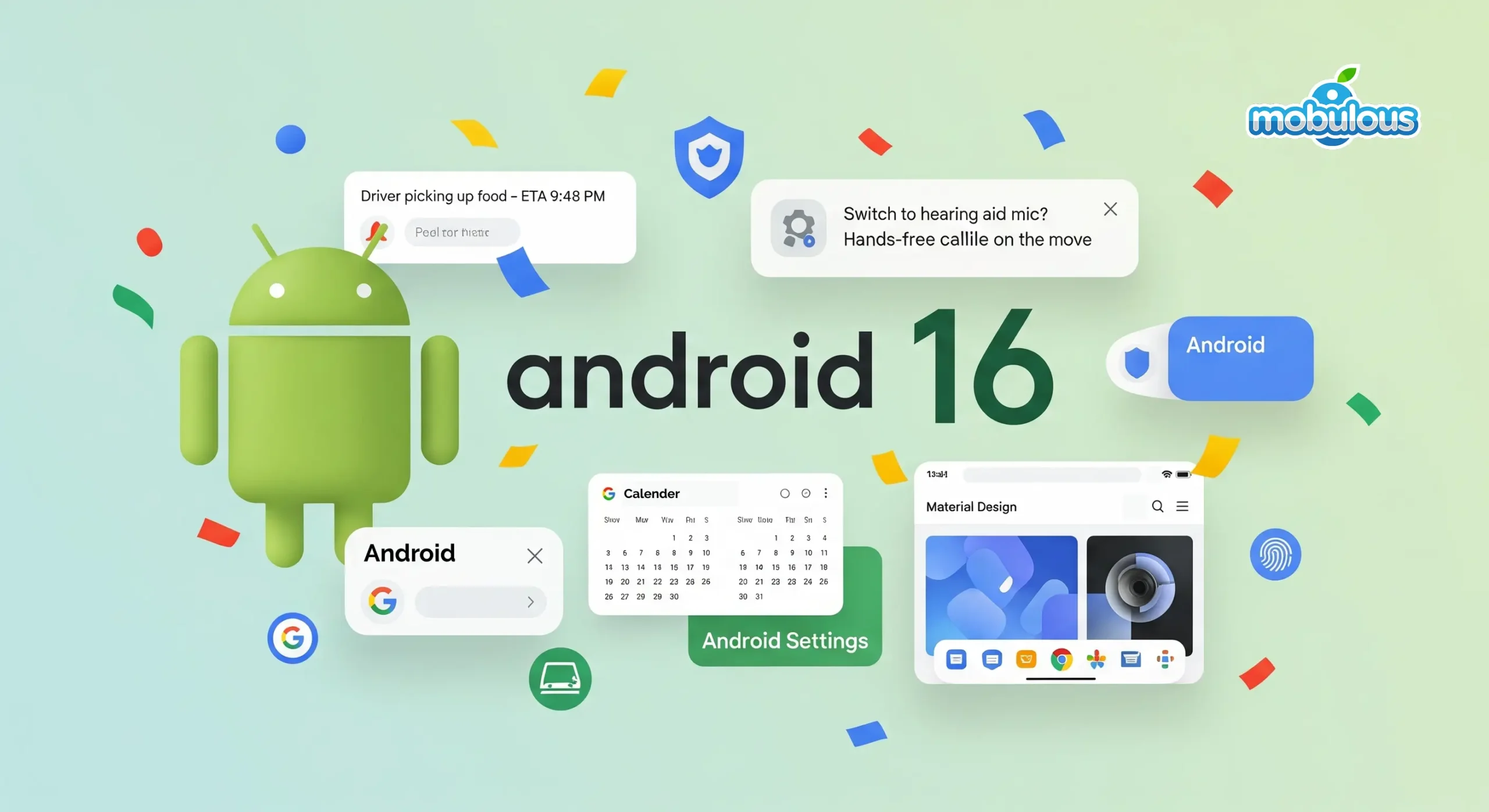
The Android 16 QPR2 Update is part of Google’s plan to release new features for Android devices more often. Instead of waiting for a big update that comes once a year, this update is part of a quarterly release, which means updates will come every few months. This allows Pixel users to get new features quickly without waiting too long.
Released on December 2, 2025, the Android 16 QPR2 Update is available for Pixel 6 and newer models. This update brings several important changes, including more options to personalize your device and smarter ways to manage notifications using AI.
Additionally, Android 16 QPR2 is the first update to use a minor version of the Android SDK (the software used by developers), making it easier for them to add new features while keeping apps stable. Overall, this update focuses on adding useful features without causing major changes that could break apps.
Check out: Android App Development Company
Android 16 QPR2 Eligible Devices
| Device Series | Specific Models |
| Pixel 10 series | Pixel 10, Pixel 10 Pro, Pixel 10 Pro XL |
| Pixel 9 series | Pixel 9, Pixel 9 Pro, Pixel 9 Pro XL, Pixel 9 Pro Fold, Pixel 9a |
| Pixel 8 series | Pixel 8, Pixel 8 Pro, Pixel 8a |
| Pixel 7 series | Pixel 7, Pixel 7 Pro, Pixel 7a |
| Pixel 6 series | Pixel 6, Pixel 6 Pro, Pixel 6a |
| Foldables series | Pixel Fold |
| Tablet series | Pixel Tablet |
Features of Android 16 QPR2
1. Lock Screen Widgets Are Back
Lock screen widgets, which first appeared on the Pixel Tablet in Android 15 QPR1, are now available on Pixel phones. You can swipe left on your lock screen to see widgets, and each page can show up to three widgets. You can customize what shows up by pressing and holding the widget area. This lets you quickly check important info without unlocking your phone.
2. Custom Icon Shapes for Your Phone
With Android 16 QPR2, you can change the shape of your app icons. You can choose from options like circles, rounded squares, or fun shapes like a cookie or arch. The new icons will be applied across your entire home screen, making everything look more uniform and personalized.
3. AI Notification Management
Android 16 QPR2 uses AI to help manage your notifications better. It summarizes long messages, making them shorter and easier to read. It also groups less important alerts (like promotions or news) into categories so you can focus on the important ones. This feature works on Pixel 9 and newer phones.
4. Better Dark Mode
Android 16 QPR2 has a new, improved dark theme that works across more apps, even if they don’t natively support dark mode. This makes it easier on your eyes when using your phone in low light. You can also schedule dark mode to turn on automatically at certain times.
5. Improved Split-Screen Multitasking
Split-screen multitasking gets a boost with the new 90:10 ratio, allowing you to have almost a full-screen app on one side while keeping another app open for quick reference. You can still use the old 50:50, 70:30, and 30:70 options, but now you have more flexibility.
6. Tap-to-Share for Quick File Sharing
The Quick Share feature in Android 16 QPR2 now includes a tap-to-share option. Simply tap the top of your phone when Quick Share is open to instantly connect with another device. This makes it much easier to share files or media between devices, and is especially familiar to those coming from iOS.
Security & Privacy Features
1. Secure Lock Device Protection
Android 16 QPR2 introduces a feature called “Secure Lock Device.” When activated, it instantly locks your phone and requires your PIN, pattern, or password to unlock it. This also temporarily disables notifications, quick settings, widgets, and Gemini to protect your device from unauthorized access.
2. SMS OTP Protection Enhanced
Messages that contain special security codes (SMS OTP) will now be delayed for three hours in Android 16 QPR2. This helps protect you from phishing attacks and unauthorized access attempts by giving you time to spot anything suspicious.
3. Failed Authentication Lock Control
Android 16 QPR2 lets you turn off the “Failed Authentication Lock” feature if you prefer. This option can be found in Settings > Security & Privacy > Device Unlock > Theft Protection, giving you more control over how your phone responds to failed unlock attempts.
4. Developer Verification Requirements
Starting in September 2026, Android will require developers to verify their identity before they can publish apps. This will make it harder for malicious developers to spread harmful apps. Verified developers will need to register their apps to be installed on certified devices.
5. December Security Patch Included
The update includes the December security patch, which fixes many security issues, some of which were already being exploited by attackers. Installing this update is important to keep your device secure.
6. Fingerprint Unlock When Screen Off
With Android 16 QPR2, you can now unlock your phone with your fingerprint even when the screen is off. This is a convenient feature for Pixel 9 and later models (except the Pixel 9a), which use an ultrasonic fingerprint scanner.
Under-the-Hood Improvements
1. Generational Garbage Collection
Android 16 QPR2 introduces a new system that improves how the phone clears away unused data. It focuses on cleaning up newer data, which results in smoother performance, less strain on the battery, and less lag when using apps.
2. 16KB Page Size Readiness
Android 16 QPR2 helps prepare apps for future changes in how devices handle memory. It gives warnings about apps that aren’t ready for the new system, ensuring that apps will work better on upcoming devices.
3. Immersive Audio Model Support
Android 16 QPR2 now supports advanced audio technologies like spatial audio, giving you a richer, more immersive sound experience in apps and games that support it.
4. Personal Audio Sharing Integration
Now, you can easily share audio with other Bluetooth devices using the “Output Switcher” in Android 16 QPR2. This makes it easier to share music or videos with friends on compatible Bluetooth devices.
5. Health Connect Step Tracking
Android 16 QPR2 now lets the Health Connect app track your steps using the sensors in your phone. It also updates the app to give you more detailed tracking of your exercise and fitness activities.
6. Linux GUI Applications Support
Developers can now run Linux desktop apps on their Pixel devices for testing, thanks to Android 16 QPR2’s new support for Linux GUI apps in the terminal.
Developer-Focused Changes
1. Minor SDK Release Model
Android 16 QPR2 is the first version to introduce a “minor SDK” release. This means new APIs and features can be delivered more quickly throughout the year, outside of the major annual updates. Developers can now access new tools and capabilities faster, without worrying about breaking compatibility with older versions.
2. New Build Class Fields
Two new fields, SDK_INT_FULL and VERSION_CODES_FULL, have been added to help apps detect updated APIs more accurately. This allows developers to take advantage of new features in Android 16 QPR2 while ensuring their apps still work on older versions of Android.
3. Widget Interaction Metrics
Now, developers can track how users interact with widgets (like clicks, scrolls, and impressions). This data helps developers improve widget design based on real user behavior, making widgets more useful and engaging.
4. Data Migration API
A new API has been introduced to make it easier to transfer data between Android and iOS devices. This helps users who switch from one platform to another move their data smoothly, and allows developers to create a seamless data transfer experience in their apps.
5. ADB Verification Commands
New ADB commands allow developers to verify apps more easily in Android 16 QPR2. They can also bypass this verification during testing. This gives developers more flexibility while still maintaining security for final app releases.
6. Additive Update Approach
Unlike major platform updates that might introduce changes that affect app compatibility, Android 16 QPR2 introduces mostly additive changes. This means fewer changes that could break existing apps, reducing the amount of testing developers need to do, while still improving the platform.
How to Install the Android 16 QPR2 Update
Method 1: Over-the-Air (OTA) Installation
- Open the Settings app on your Pixel phone.
- Tap on System.
- Tap on System update.
- Tap Check for update.
- Wait for your phone to check for the Android 16 QPR2 Update.
- If the update is available, tap Download (make sure you’re on Wi-Fi, as the update is about 744-800 MB).
- Once the download finishes, tap Restart now to start the installation.
- Your phone will restart and install the update automatically.
- After it finishes, your phone will be updated to Android 16 QPR2.
Method 2: Android Beta Program
- Go to the Android Beta Program website: google.com/android/beta
- Sign in with your Google Account.
- Choose your Pixel phone from the list.
- Agree to the Beta Program terms.
- Your phone will now receive updates for Android 16 QPR2 and future beta versions.
- If you want to leave the beta program later, go back to the website and unenroll your phone.
Method 3: Manual Flash Installation
- Download the Android 16 QPR2 system image from the Pixel downloads page.
- Use the Android Flash Tool at flash.android.com to make flashing easy.
- Alternatively, follow the manual flashing instructions on Google’s developer site.
- This method requires unlocking your phone’s bootloader, which will erase all your data.
- This method is for advanced users or developers who need specific testing.
Note:
- Make sure your phone has enough battery (at least 50% recommended).
- Back up any important data before updating.
- Use Wi-Fi to download the update for a stable connection.
- If you’re having issues, try turning off your VPN.
- Carrier-locked phones may get the update in stages, so you may see different versions.
Comparison with Previous Updates
| Category | Android 15 QPR1 | Android 16 QPR2 | Key Improvements |
| Lock Screen Widgets | Pixel Tablet only | All Pixel phones | Expanded device support with customizable pages |
| Icon Customization | Themed icons only | Custom shapes + themed | Five shape options for personalized home screens |
| Dark Theme | Standard mode | Expanded mode | Forces non-compatible apps into dark mode |
| Split-Screen Ratios | 50:50, 70:30, 30:70 | Added 90:10 ratio | More flexible multitasking layouts |
| Notification Management | Basic grouping | AI-powered summaries + organizer | Intelligent categorization with Gemini Nano |
| Security Features | Basic theft protection | Secure Lock Device + SMS OTP protection | Enhanced remote security and fraud prevention |
| Garbage Collection | Traditional GC | Generational CMC GC | Reduced CPU usage and better battery life |
| SDK Release Model | Major releases only | Minor SDK version support | Faster API delivery between major versions |
| Update Size | ~600-700 MB | ~744-800 MB | Larger but includes more comprehensive features |
Conclusion
The Android 16 QPR2 Update brings important improvements that make using your Pixel device better, safer, and more personal. It includes smart features like better notification management, more ways to customize your device, and important security fixes. This update shows that Google is focused on giving users faster and more regular updates that make a real difference right away.
Read more: Android 15 Features, Benefits, and Release Date 2024!
Frequently Asked Questions – Android 16 QPR2 Update
Q1. Is Android 16 QPR2 stable?
Ans. Yes, Android 16 QPR2 is stable now. Google officially released the stable version along with the December 2025 security patch. It’s available for Pixel devices from the Pixel 6 to the Pixel 10 series. The update is tested and safe for general use, unlike developer previews.
Q2. What is QPR in Android?
Ans. QPR stands for Quarterly Platform Release. It’s a regular update for Android that happens every three months. These updates mainly fix bugs, improve performance, add small features, and include security patches. They help keep Android up-to-date with continuous improvements.
Q3. What is the difference between Android 16 QPR1 and QPR2?
Ans. QPR1 and QPR2 are both updates for Android 16, but they bring different changes. QPR1 included a developer preview for new desktop features. QPR2, on the other hand, adds features like lockscreen widgets, a new notification organizer, custom app icons, and more. QPR2 builds on the improvements from QPR1.
Q4. What’s new in Android 16 QPR2?
Ans. Android 16 QPR2 brings several new features: lockscreen widgets you can swipe to access, a better way to organize notifications, custom app icons, and improved battery life. It also includes new dark theme options, Personal Audio Sharing for Bluetooth, and automatic step tracking through Health Connect.
Q5. How to get the Android 16 QPR2 Update?
Ans. To get the update, go to Settings > System > System Update and tap “Check for update.” If it’s available, it will show up. If you’re a beta tester, you can opt out and install the stable version without losing any data. If you’re not in the beta, you’ll get the update automatically.
Q6. Is Android 16 good or bad?
Ans. Android 16 is good! Google has made changes to release updates more frequently, which means faster improvements and better stability. It has new features like better battery management, improved performance, and user-friendly controls. It balances new ideas with reliability for both users and developers.
Q7. What is QPR’s full form?
Ans. QPR stands for Quarterly Platform Release. It means Android gets updates every three months, instead of just one big yearly update. This helps Google quickly improve the system based on feedback, adding new features, security fixes, and performance upgrades regularly.